
Help & Support / How to turn off message reminders

How to turn off message reminders

About message reminders

When you receive a message from a customer that you haven't replied to, you will receive emails reminding you to reply.
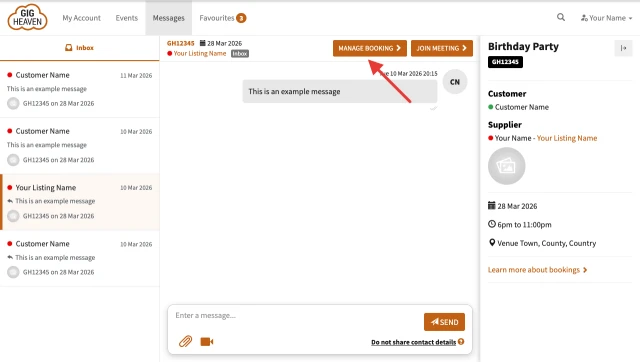
How to turn off all message reminders for a booking
  1. Visit your Manage Booking page
  2. Locate the Reminders section (near the bottom of the page)
  3. Toggle the reminders button to Off 

How to mark a specific as message as not needing a reply

Click the Mark as "No Reply Needed" link. This is located under each message from customers on your Messages Page.

Rejecting an event

You can also reject an event from your Manage Booking page to stop receiving reminders for that event.

Related articles

Can't find what you're looking for?

We're here to help
Contact us

