
You can use a Google, Apple, or Facebook account to sign in to Gig Heaven instead of remembering a password. Your Gig Heaven account is created (or linked) the first time you use one of these options.
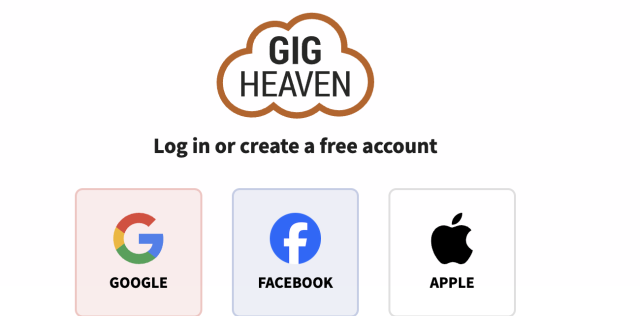
When you click Continue with Google, Continue with Apple, or Continue with Facebook on the login page, the provider confirms your identity and sends us your email address. We then either:
From that point on, you can sign in with the provider or with your Gig Heaven email and password (if you have one set). See Logging in: email, passkeys, and social sign-in for the full picture.
There isn't a self-serve button to unlink Google, Apple, or Facebook from your Gig Heaven account. If you need the link removed (for example because you're handing over the social account to someone else), please contact us and we'll do it for you.
Deleting your Google, Apple, or Facebook account at the provider's end doesn't automatically delete your Gig Heaven account. Your Gig Heaven account stays active and you can still sign in with your email and password.
When you first signed in with a provider, we saved the email address that was on that profile at the time. If you later change your email at Google, Apple, or Facebook, that change doesn't flow through to Gig Heaven automatically. Update your Gig Heaven email separately so we can still reach you with message notifications and contract reminders, see Changing the email address on your account.
If you have any trouble, please contact us.
Gig Heaven has members, our newest member is (updated )



